
How a Scratch Coding Program Builds Confidence in Young Learners
Picture your child’s face lighting up as they bring their own animated game or story to life with Scratch, the free block-based coding platform that millions of kids around the world adore. In today’s fast-paced digital landscape, Scratch coding program such as those provided by Meta Robotics in Singapore—go far beyond teaching technical skills. They ignite problem-solving abilities, foster creativity, strengthen resilience, and dramatically boost confidence. Discover valuable tips for parents and the genuine benefits for young learners.
Key Takeaways:
- Scratch coding empowers young learners by letting them create interactive games and interactive stories, sparking creativity imagination and boosting confidence self-esteem through tangible scratch projects successes.
- Overcoming coding challenges in Scratch teaches persistence and resilience, transforming frustration into confidence as kids solve problems independently.
- Hands-on Scratch projects make learning fun and collaborative, building problem-solving skills and preparing children for future tech careers with real-world achievements.
What Is Scratch Coding and How Does It Work?
Scratch coding is a free visual programming language developed by the MIT Media Lab's Scratch Team, designed for kids programming with a beginner-friendly drag-and-drop interface where young learners stack colorful code blocks like LEGO blocks to create games animations, interactive stories, and more.
In Scratch, kids select programming blocks from categories like motion, looks, and sound. They drag and drop these blocks to build scripts that control sprites animations, making characters move, jump, or change costumes on the stage.
The platform introduces core ideas like loops conditions, basic coding concepts, and variables through simple blocks. For example, a loop repeats actions in a maze games, while conditions check if a sprite touches an edge before turning.
Scratch 3.0 offers a vector editor for smooth scalable graphics and a bitmap editor for pixel art, letting children coding design custom sprites. ScratchJr simplifies this for younger kids with fewer blocks focused on basic sequences and stories.
Building Programs with Block-Based Coding
Block-based coding in Scratch uses color-coded blocks that snap together, preventing syntax errors common in text coding like Python or JavaScript. Young learners start with simple sequences, like moving a cat sprite across the screen.
They progress to loops for repetition, such as repeating jumps in a platformer game. Conditions add logic, like if the sprite touches a gem, score points, teaching conditional branching.
Variables store data, like a score counter that increases during play. This hands-on approach builds computational thinking by breaking problems into logical steps.
Debugging comes naturally as kids tweak blocks to fix glitches, fostering problem-solving skills and persistence in young learners.
Sprites, Animations, and Interactive Projects
Sprites are the characters or objects kids bring to life with animations. In Scratch, select a sprite, then attach motion blocks to make it glide, spin, or bounce.
Animations use costume changes, like a dancing figure switching outfits via looks blocks. This sparks creativity imagination in crafting interactive stories or games.
Kids combine sprites for projects like a catch the falling objects game, using broadcasts to sync actions. The stage backdrop sets the scene, drawn in the editors.
These elements connect to STEM education, helping children grasp programming logic while creating shareable scratch projects in the Scratch community.
Accessibility for Beginners and Computational Thinking
Scratch's drag-and-drop design makes beginner coding approachable for ages 8 and up, with ScratchJr for even younger kids at 5 to 7. No typing needed, just intuitive block stacking.
It nurtures computational thinking through decomposition, pattern recognition, and abstraction. For instance, designing a story teaches sequencing events logically.
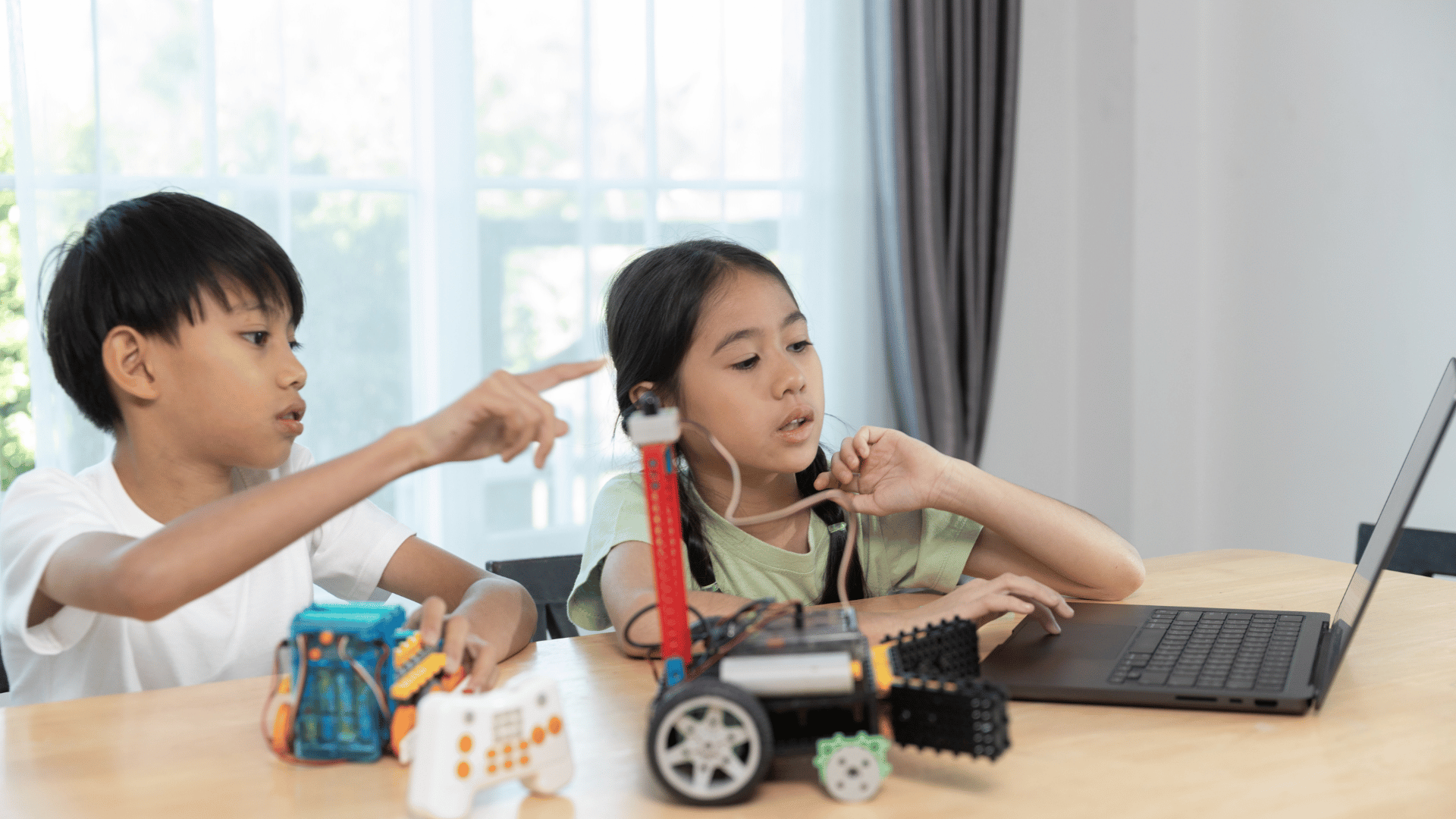
Tools like the vector and bitmap editors give the power to custom assets without advanced drawing skills. This builds digital literacy and confidence in the digital landscape.
By solving puzzles via code blocks, loops, and variables, children develop critical thinking and prepare for future technology careers through fun, project-based learning.
Develops Problem-Solving Skills
A coding program sharpens problem-solving skills in young learners by challenging them to break down complex tasks into manageable steps using logical thinking and logical reasoning through scratch projects like maze games and platformers.
Children learn to identify issues through debugging and debugging skills, where they test code blocks and fix errors step by step. This process builds persistence as kids tweak sprites animations until their interactive games work smoothly. For example, in a maze game, they adjust loops conditions to guide a character correctly.
Sequences debugging teaches the importance of order in block-based programming. Young learners experiment with drag-and-drop interface to rearrange programming blocks, fostering computational thinking. Hands-on learning like this strengthens cognitive development by encouraging trial and error.
Coding challenges and interactive games push kids to apply critical thinking in project-based learning. They create digital stories or educational simulations, integrating variables and logic algorithms. This ties directly into 21st century skills like analytical skills needed for future technology careers.
Encourages Creativity and Imagination
Scratch coding unleashes creativity imagination as kids design interactive stories, digital stories, and games animations with sprites animations, turning wild ideas into reality on the Scratch platform. Young learners drag and drop block-based coding elements to bring their visions to life. This visual programming language makes coding for kids accessible and fun for beginner coding.
In project-based learning, children create maze games where a cat sprite navigates obstacles using loops and conditions. They experiment with sprites animations to add motion and sound, fostering creativity confidence. Hands-on learning like this builds computational thinking through trial and error.
Educational simulations let kids simulate real-world scenarios, such as a virtual ecosystem where animals interact based on variables. They craft interactive stories with branching paths that teach logical reasoning. These scratch projects encourage problem-solving skills while sparking joy in creation.
Through the drag-and-drop interface, learners remix ideas from the Scratch community, blending their own twists. This process hones critical thinking and imagination, preparing them for STEM education. Hands-on learning in Scratch turns abstract ideas into tangible digital experiences that boost confidence self-esteem.
Builds Computational Thinking Skills
Computational thinking skills flourish in Scratch coding classes as children coding master programming logic, logic algorithms, loops, variables, algebraic thinking, and pattern recognition. These are core 21st century skills including the 4 Cs. Kids gain creativity confidence through hands-on learning in this visual programming language.
Block-based coding in Scratch links directly to math improvements. Children use loops and variables to solve equations, much like algebra. For example, creating a sprite that moves based on input values teaches pattern recognition and sequencing.
Scientific thinking grows as young learners design experiments in scratch projects. They test hypotheses with loops conditions and loops, observing cause and effect. This mirrors real science, fostering curiosity and analytical skills.
Critical thinking sharpens through problem-solving skills in interactive games and stories. Debugging code blocks builds persistence, while planning sequences enhances logical reasoning. These skills prepare kids for STEM education and future technology careers.
Teaches Persistence and Perseverance
Through trial-and-error in scratch projects, kids learn persistence perseverance and debugging skills, embracing the fourth c and fifth c as they tackle coding challenges. This hands-on learning process in the visual programming language builds resilience by showing that mistakes are steps toward success. Young learners grow more confidence self-esteem with each fix they make.
When a sprite in their interactive game fails to move as planned, children experiment with loops conditions and variables. They test different code blocks, observe what goes wrong, and adjust. This cycle strengthens logical thinking and turns frustration into achievement.
Problem-solving skills develop as kids debug maze games or digital stories. They learn to break down issues into smaller parts, fostering cognitive development. Over time, this persistence mirrors real-world challenges in STEM education.
Encourage young learners in your coding program to keep a debug journal. Note what they tried and what worked in their scratch programming sessions. This practice reinforces computational thinking and boosts confidence self-esteem. It helps succeed through coding benefits.
Boosts Confidence Self-Esteem, Digital Literacy & Prepares for STEM Fields in Singapore's Smart Nation
Scratch coding kids gain immense confidence self-esteem by completing scratch projects they can share in the Scratch community. Programs from Lyza Education, aligned with Ministry of Education (MOE) and IMDA, plus initiatives like Code for Fun, AI-for-Fun, L100 Young Discovers, and robots like Kebbi, make learning exciting at places like CodeLab and National University of Singapore. With instructors like Lena, Yi Xin, and Rachel Xingwei, plus clubs like Game Dev Clubs, Code Zone, Hackers Club, and Young Maker, kids tackle hackathons building teamwork collaboration and problem solving.
Completing Scratch projects on the Scratch platform skyrockets confidence, self-esteem, and creativity confidence, showing kids they can succeed in the digital world. As a parent, you see your child's eyes light up when their first interactive game comes to life using the drag-and-drop interface. This hands-on learning in block-based coding builds a sense of accomplishment that spills over into school and play.
Project-based learning with Scratch programming turns abstract ideas into real results, fostering computational thinking and logical reasoning. Young learners gain problem-solving skills as they stack code blocks for loops, conditions, and variables. Parents notice improved critical thinking when kids tackle sprites animations and share in the Scratch community.
From the MIT Media Lab's visual programming language, Scratch helps kids explore 21st century skills like digital literacy and STEM fields. Watching your child debug a maze game or craft digital stories boosts their belief in future technology careers. This coding program nurtures Code for Fun and confidence self-esteem through every successful sequence.
Transitioning to specifics, see how finishing projects enhances self-worth and overcoming hurdles builds resilience. These elements make Scratch a powerful tool for cognitive development in children coding.
How Completing Projects Enhances Self-Worth
Finishing Scratch projects with drag and drop code blocks through project-based learning dramatically enhances self-worth, celebrating every sprite animation success. Parents love seeing their young learners beam with pride after building an interactive game where characters jump and score points. This visual programming makes basic coding concepts accessible and fun.
Kids create digital stories with sequences, loops, and variables, turning imagination into reality using the vector editor or bitmap editor. Sharing these in the Scratch community gets positive feedback, reinforcing their abilities in block-based programming. Such wins build lasting self-esteem tied to problem-solving skills.
Examples include a dancing sprite animation or a simple maze game with conditions for winning. Each completion teaches programming logic and pattern recognition, boosting creativity confidence. Parents can encourage by displaying projects at home, linking Code for Fun to real pride in Singapore.
This process strengthens analytical skills and logical thinking, preparing children for the digital landscape. From ScratchJr to Scratch 3.0, these tools support stem education and self-worth through tangible achievements.
Overcoming Challenges to Foster Resilience
Overcoming challenges like tricky bugs builds resilience, teaching persistence and perseverance through hands-on debugging in block-based coding. As a parent, you witness your child puzzle over why a sprite won't move, then fix it with logical reasoning. This grit from Scratch coding mirrors real-world problem solving.
Common scenarios involve fixing loops that repeat too much or conditions that fail in educational simulations. Kids learn debugging skills by testing code blocks step by step, fostering scientific thinking and algebraic thinking. Parents guide gently, celebrating small fixes to build confidence.
- Debug a game where the character gets stuck in a loop.
- Adjust variables so scores update correctly in animations.
- Troubleshoot sprites that overlap unexpectedly.
These moments develop persistence perseverance and critical thinking vital for future technology careers.
Through the Scratch Team's design, young learners gain math improvements and pattern recognition. This resilience from coding classes translates to schoolwork, enhancing overall confidence self-esteem and teamwork collaboration.
Makes Learning Fun and Engaging
Scratch makes learning code for fun and AI-for-Fun with interactive games, maze games, and platformers that hook kids into the vibrant Scratch community.
Young learners dive into block-based coding through cat-chasing adventures or space exploration stories. This visual programming language uses a drag-and-drop interface, so kids focus on ideas rather than syntax errors. Hands-on projects spark creativity imagination from the start.
Events like hackathons, Game Dev Clubs, and Code Zone take engagement further. Children team up to build Scratch projects in Hackers Club, sharing tips in the Scratch community run by the MIT Media Lab. These gatherings build teamwork collaboration while practicing loops conditions and variables.
Such activities teach Computational Thinking and the 4 Cs naturally. Kids remix games, debug sprites animations, and create educational simulations. This fun approach boosts problem-solving skills and ties into STEM education for lasting interest in coding.
Provides Hands-On Learning Experience
Hands-on learning shines in Scratch's drag-and-drop interface and block-based coding, letting kids experiment with programming blocks intuitively. Young learners snap together code blocks like puzzle pieces to create interactive games or animations, building computational thinking without frustration. This approach contrasts sharply with text-based languages like Python or JavaScript, where typing syntax errors can halt progress early.
In Scratch programming, children see immediate results from their actions, fostering problem-solving skills through trial and error. For example, they design a cat sprite that moves across the screen using simple loops and conditions, adjusting blocks until it works perfectly. This visual feedback encourages persistence and perseverance, key traits for cognitive development.
Unlike rigid text coding with Python or JavaScript, block based coding eliminates syntax worries, letting kids focus on logical thinking and creativity. They build maze games or digital stories, snapping blocks together like LEGO blocks, debugging sequences visually by dragging blocks apart and reconnecting them. Parents and educators notice how this hands-on learning boosts confidence as children witness their ideas come alive.
Through Scratch projects, young learners grasp basic coding concepts like variables and sprites animations in a fun way. This method supports STEM education by making abstract ideas tangible, preparing kids for future technology careers with strong analytical skills. Experts recommend starting with simple scratch coding activities to spark lasting interest in programming logic.
Fosters Teamwork and Collaboration
Teamwork collaboration thrives in Scratch coding classes through sharing in the Scratch community, clubs like Hackers Club, and Young Maker projects. Young learners work together on group coding challenges, combining their ideas to build interactive games or stories. This setup teaches them to value each other's input from the start.
In a typical session, kids pair up to create a maze game using block-based coding. One child designs the sprite animations while the other adds loops and conditions. They discuss problem-solving skills openly, learning to compromise and refine their logical thinking together.
Scratch projects often involve remixing others' work from the Scratch community, developed by the MIT Media Lab. Groups critique and improve shared codes, building teamwork collaboration through feedback. This mirrors real-world coding teams and boosts their confidence in contributing ideas.
Experts recommend starting with simple group challenges like collaborative digital stories. Children practice debugging skills as a team, celebrating fixes together. Over time, this hands-on learning fosters persistence and strengthens their bonds in STEM education.
Prepares Kids for Future Technology Careers
Scratch coding lays the foundation for future technology careers in STEM fields, boosting digital literacy for Singapore's Smart Nation vision, even aligning with National University of Singapore pathways. Parents often wonder how early coding from providers like Lyza Education fits into their child's long-term goals. It introduces computational thinking through hands-on projects like interactive games and stories.
Young learners gain problem-solving skills by dragging and dropping code blocks to create animations or maze games. This visual programming language builds confidence as kids see their ideas come to life. It prepares them for the digital landscape ahead.
As a parent, you can see how Scratch connects to real-world tech jobs. Kids learn loops, conditions, and variables while fostering creativity and logical thinking. This sets a strong base for advanced coding later on.
Exploring coding programs next helps you choose the right fit. From block-based options to robotics, each type offers unique benefits for your child's growth.
What Are the Different Types of Coding Programs for Kids?
Coding programs for kids range from ScratchJr and block-based like CodeLab or Lyza Education's L100 Young Discovers, to advanced with Kebbi robots or Python and JavaScript. These options cater to different ages and skill levels. Parents can pick based on their child's interests, guided by the Ministry of Education (MOE) and IMDA, such as games or stories.
ScratchJr suits beginners with its simple drag-and-drop interface for cat animations or basic stories. Block-based programs like CodeLab teach sequences and debugging through fun challenges. They build foundational programming logic without text typing.
- Scratch 3.0 offers a vector editor and sprite tools for complex projects.
- Meta Robotics integrates Kebbi robots for physical coding experiences.
- Advanced tracks introduce Python for algebraic thinking and real apps.
Each type encourages teamwork collaboration in classes at places like Game Dev Clubs. This variety ensures kids stay engaged while developing 21st century skills.
How Can a Scratch Coding Program Benefit Kids in the Long Run?
In the long run, a Scratch coding program on the Scratch platform delivers coding benefits like sharper analytical skills, math improvements, and scientific thinking for lifelong success. Children practice pattern recognition by building loops and conditions in projects. This sharpens cognitive development over time.
Kids create educational simulations or digital stories, boosting creativity and imagination. Logical reasoning grows as they sequence events with sprites and backdrops. These skills transfer to school subjects like math and science.
Long-term gains include stronger problem-solving and persistence. Research suggests hands-on learning with Scratch enhances confidence and self-esteem. It prepares them for future tech challenges.
Parents notice improved focus and critical thinking in daily tasks. Sustained practice leads to deeper understanding of algorithms and logic.
What Are the Potential Challenges of Learning Scratch Coding?
Potential challenges in learning Scratch coding include mastering debugging skills and complex logical reasoning, but they build invaluable problem-solving. Young learners may frustrate over errors in their maze games. Yet, fixing bugs teaches perseverance.
Understanding variables or nested loops can feel tricky at first. Kids might struggle with project-based learning when ideas don't work as planned. These hurdles strengthen analytical skills.
- Practice debugging by testing small code blocks step by step.
- Break complex projects into simple sequences.
- Join the Scratch community for project sharing and tips.
With guidance, challenges turn into growth opportunities. Parents can help by celebrating small wins to build confidence.
How Can Parents Support Their Kids in Learning Scratch Coding?
Parents can support Scratch coding by aligning with Singapore's Ministry of Education (MOE) and IMDA initiatives like Code for Fun, encouraging daily practice. Set aside short sessions for scratch projects. This builds habits without overwhelming young learners.
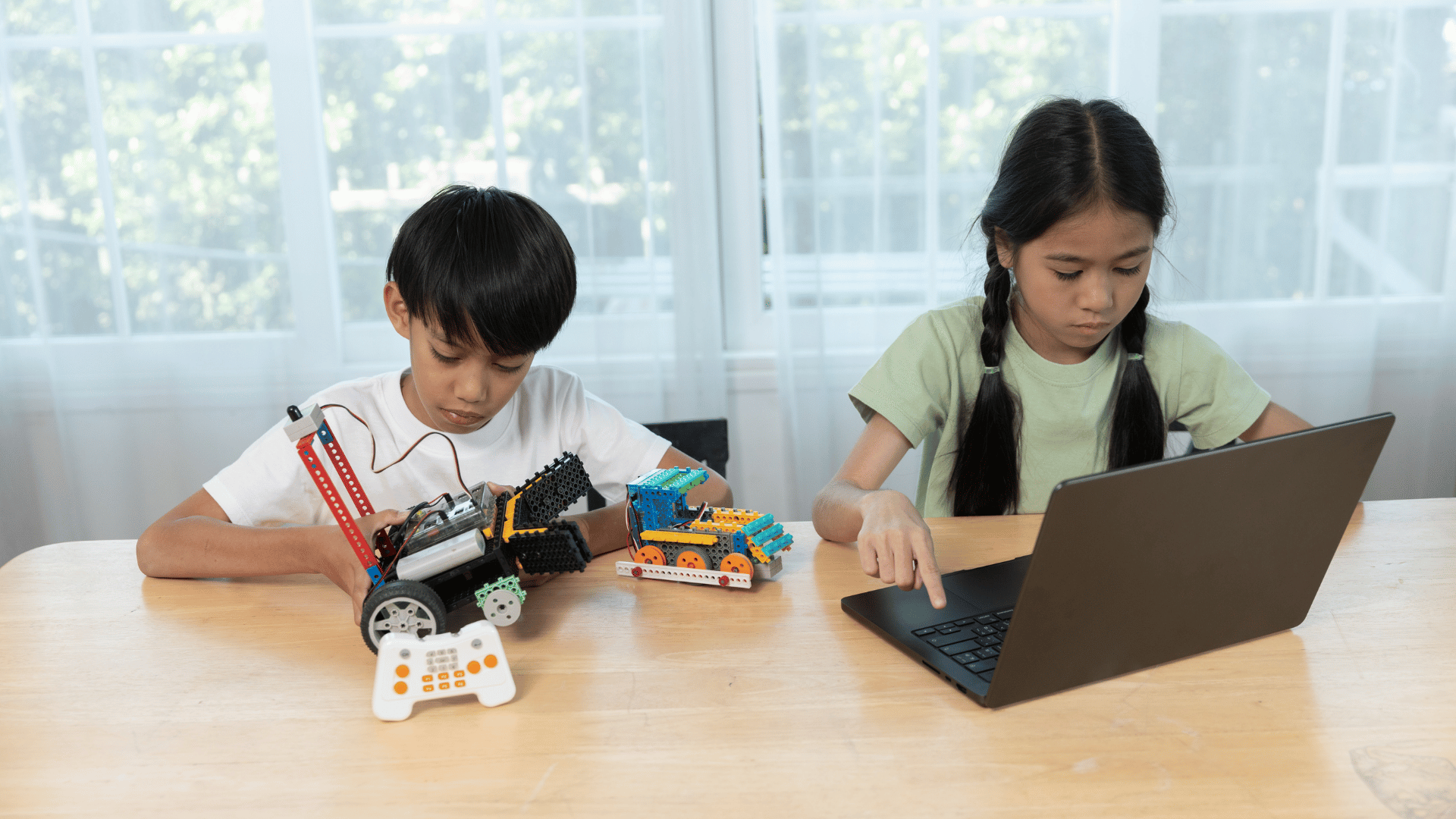
Experienced instructors like Lena, Yi Xin, Rachel Xingwei, and Lizhang from Lyza Education offer expert tips in coding classes. Praise effort during hands-on learning to foster creativity confidence. Explore MIT Media Lab's Scratch resources together.
- Review projects weekly and discuss what worked.
- Encourage sharing in the Scratch community.
- Pair with real-world examples like simple games.
Your involvement boosts teamwork and motivation. This support helps kids thrive in coding for kids programs like Young Maker.
Introduces Basic Coding Concepts
Scratch introduces basic coding concepts like loops conditions, variables, and programming logic through simple, visual block-based programming like LEGO blocks. Young learners drag and drop colorful code blocks to create projects. This visual programming language makes coding accessible without typing text.
One key idea is sequences, where blocks run in order, like steps in a recipe. Kids stack blocks to move a sprite across the screen, learning that order matters in programming logic. This builds computational thinking from the start.
Logic algorithms come alive with loops and conditions. For example, a loop repeats a sprite's jump until it reaches a goal, teaching repetition. Conditions like "if touching color" add decision-making, as in maze games where characters turn at walls.
Through Scratch projects like interactive stories or games animations, children practice variables to track scores. This hands-on approach fosters problem-solving skills and logical reasoning. Beginners gain confidence by seeing their ideas work right away.
Frequently Asked Questions
Frequently asked questions about coding class for kids often cover tools like ChatGPT, Gemini, and AI for fun integrations with Scratch. Parents wonder how these modern aids pair with block-based coding to boost digital literacy. This section answers common queries with practical tips.
Scratch's drag-and-drop interface makes it easy to blend AI ideas into maze games or interactive stories. Young learners can prompt AI for story plots, then build them using code blocks for loops and variables. This hands-on approach builds computational thinking without overwhelming beginners.
Many ask about group settings like Game Dev Clubs, Code Zone, and Hackers Club, where kids collaborate on Scratch projects. These clubs foster teamwork collaboration and problem-solving skills through shared sprites animations. Experts recommend starting with simple debugging sessions to encourage persistence perseverance.
Addressing concerns on screen time, Scratch promotes project-based learning that ties into STEM fields. Kids gain logical thinking by sequencing events in games animations, preparing for future technology careers. Parents can guide by focusing on creativity imagination over perfection.
Can AI Tools Like ChatGPT Enhance Scratch Coding for Kids?
Yes, AI tools like ChatGPT and Gemini add excitement to Scratch programming through AI-for-Fun. Kids can ask AI for ideas on interactive games, then use visual programming language to create them. This sparks creativity confidence while teaching basic coding concepts.
For example, prompt AI with "a cat chasing a mouse in a maze", then drag programming blocks for motion and sounds. This integrates AI for fun with hands-on learning, helping with logical reasoning. It also introduces digital literacy in a playful way.
Supervise to ensure AI suggestions align with Scratch's block-based programming. Focus on loops conditions and variables to build problem-solving skills. Research suggests this combo strengthens cognitive development through real-world application.
Avoid over-reliance on AI; let kids experiment with sequences debugging. This method nurtures analytical skills and turns coding into an adventure for young learners.
How Does Scratch Build Digital Literacy and Computational Thinking?
Scratch excels at developing Computational Thinking through its visual programming tools from the MIT Media Lab and the MIT Scratch Team. Kids learn programming logic by snapping code blocks for educational simulations. This foundation supports 21st century skills like pattern recognition.
In practice, creating digital stories teaches algebraic thinking via loops and conditions. Young learners debug sprites animations, gaining debugging skills essential for scientific thinking. The Scratch community shares projects to inspire logical algorithms.
ScratchJr suits younger kids, while Scratch 3.0 offers advanced features like the vector editor. These tools promote math improvements through game design. Parents see gains in critical thinking as children tackle challenges.
Overall, Scratch readies kids for the digital landscape by blending fun with coding benefits. It encourages persistence perseverance, boosting confidence self-esteem in children coding.
What Role Do Game Dev Clubs Play in Kids Programming?
Game Dev Clubs amplify coding for kids by promoting teamwork collaboration in Scratch as part of Smart Nation initiatives. Groups build Scratch projects like maze games, sharing ideas on Scratch Team forums. This setting hones problem-solving skills through peer feedback.
Kids divide tasks, such as one handling bitmap editor graphics while others code loops variables. Clubs often host coding classes focused on beginner coding like L100 Young Discovers, making learning social. It fosters the 4 Cs alongside creativity and communication.
Leaders recommend weekly challenges, like "code for fun" with future technology careers in mind. This builds logical thinking and prepares for smart nation initiatives. Participants develop fifth c (coding) as a core skill.
Clubs extend to coding programs with themes like interactive stories or simulations. They instill confidence self-esteem as kids present projects, aiding STEM education growth.
Developed by the MIT Media Lab and the Scratch Team, Scratch from MIT is a powerful tool for young learners.
Frequently Asked Questions
Explore how Scratch coding programs, alongside Python, JavaScript, and robotics like Kebbi, CodeLab, and L100 Young Discovers, build confidence.
How does a Scratch coding program build confidence in young learners?
A Scratch coding program builds confidence in young learners by allowing them to create interactive games, stories, and animations using intuitive LEGO blocks-like drag-and-drop blocks on the Scratch platform. This visual, intuitive interface reduces frustration from syntax errors, enabling kids to see immediate results from their efforts. Success in completing projects fosters a sense of accomplishment, gradually building self-assurance in their problem-solving abilities. Programs like those from Code for Fun, AI-for-Fun, Lyza Education, and Meta Robotics in Singapore emphasize this hands-on approach in their coding classes for kids.
What role does project-based learning play in how a Scratch coding program builds confidence in young learners?
Project-based learning in a Scratch coding program builds confidence in young learners by letting them choose topics they're passionate about, such as their favorite animals or games. As they design and iterate on personal projects, they experience trial and error in a safe environment, learning resilience. MOE-aligned Ministry of Education coding classes in Singapore by Meta Robotics use this method to help kids celebrate small wins, reinforcing their belief in their creative and technical capabilities.
How does immediate feedback in Scratch contribute to building confidence in young learners?
Immediate feedback in Scratch builds confidence in young learners because they can test code snippets instantly and watch their characters move or sounds play without waiting or debugging complex errors. This quick validation cycle turns abstract concepts into tangible outcomes, boosting motivation. In Meta Robotics' coding classes for kids in Singapore, this feature of Scratch coding programs is highlighted to show rapid progress and encourage persistence.
Why is collaboration important in how a Scratch coding program builds confidence in young learners?
Collaboration in a Scratch coding program builds confidence in young learners by allowing them to share projects on the online community platform, receive peer feedback, and remix others' work. This social aspect normalizes mistakes as learning opportunities and celebrates collective achievements. Meta Robotics, alongside partners like IMDA and the Smart Nation initiative, incorporates group activities emphasizing the 4 Cs in their Singapore coding classes, where kids gain confidence from positive interactions and seeing their ideas valued by peers.
How can parents see the impact of a Scratch coding program on building confidence in young learners?
Parents can see a Scratch coding program's impact on building confidence in young learners through increased enthusiasm for sharing completed projects, willingness to tackle challenges, and improved problem-solving discussions at home, as seen in clubs like Game Dev Clubs, Code Zone, Hackers Club, and Young Maker. Trackable portfolios on Scratch, much like tools with ChatGPT or Gemini, showcase growth over time. Meta Robotics in Singapore encourages parents to observe these changes during their kids' coding classes, providing demos of how confidence blossoms through creative coding, preparing kids for STEM fields.
What age group benefits most from how a Scratch coding program builds confidence in young learners?
A Scratch coding program builds confidence most effectively in young learners aged 8-14, as it matches their cognitive development with age-appropriate challenges that grow in complexity. Beginners start with simple sprites, advancing to sophisticated logic. National University of Singapore-inspired programs like Meta Robotics tailor their Singapore coding classes for this group, ensuring Scratch's structure, guided by instructors like Lena, Yi Xin, Rachel Xingwei, and Lizhang, supports steady confidence gains without overwhelming younger participants.